Autosave
Start typing and leave when you are done. Notes are saved automatically.
Write notes, edit plain-text files, organize with tags, and keep everything stored locally on your Android device.
No account required. Your notes stay on your device.
Start typing and leave when you are done. Notes are saved automatically.
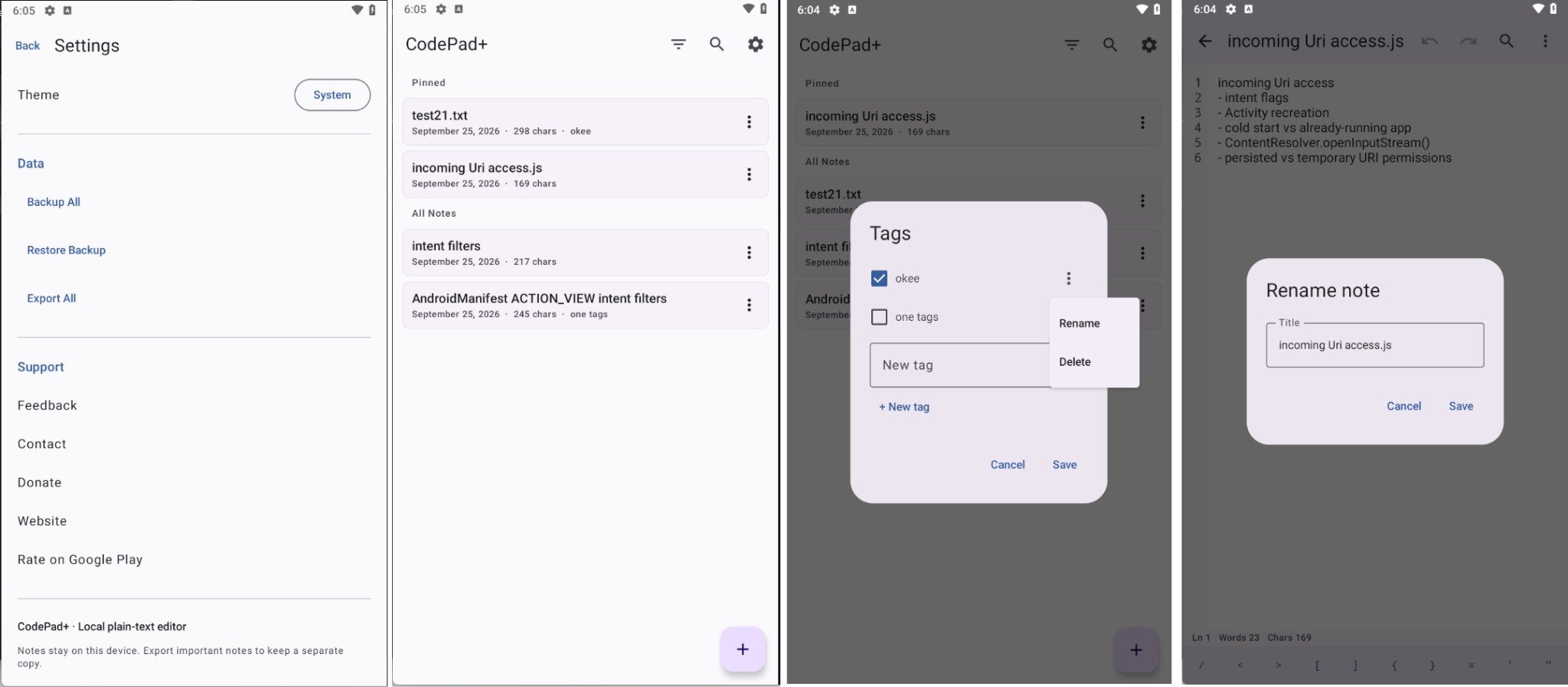
Keep important notes on top and filter your library with tags.
Turn line numbers on for code and off for regular notes.
Search through long documents, replace one match, or replace all.
Import common text and code files directly from your Android file manager.
Back up all notes to JSON or export your notes as a ZIP archive.
Optional coding symbols, undo/redo, word wrap, counters, and font controls.
Follow your system theme or choose the appearance you prefer.
CodePad+ is intentionally not a full IDE. It focuses on fast, reliable plain-text editing for notes, snippets, configuration files, and source code.
CodePad+ does not require an account or cloud sync. Use Backup All to keep a separate copy of important notes.
A compact Android text editor for notes, snippets, and everyday plain-text files.
Download on Google Play